Fake macOS Update Screen

You are responsible for your prank. Reveal it before anyone gets mad. 😂
Try Other Screens
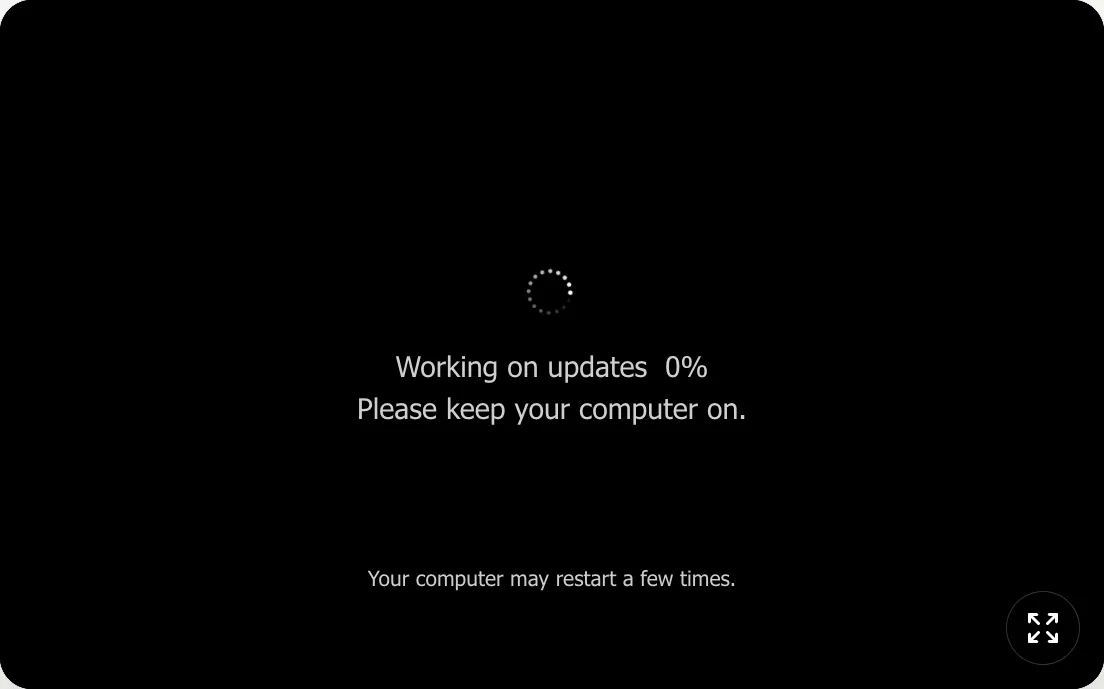
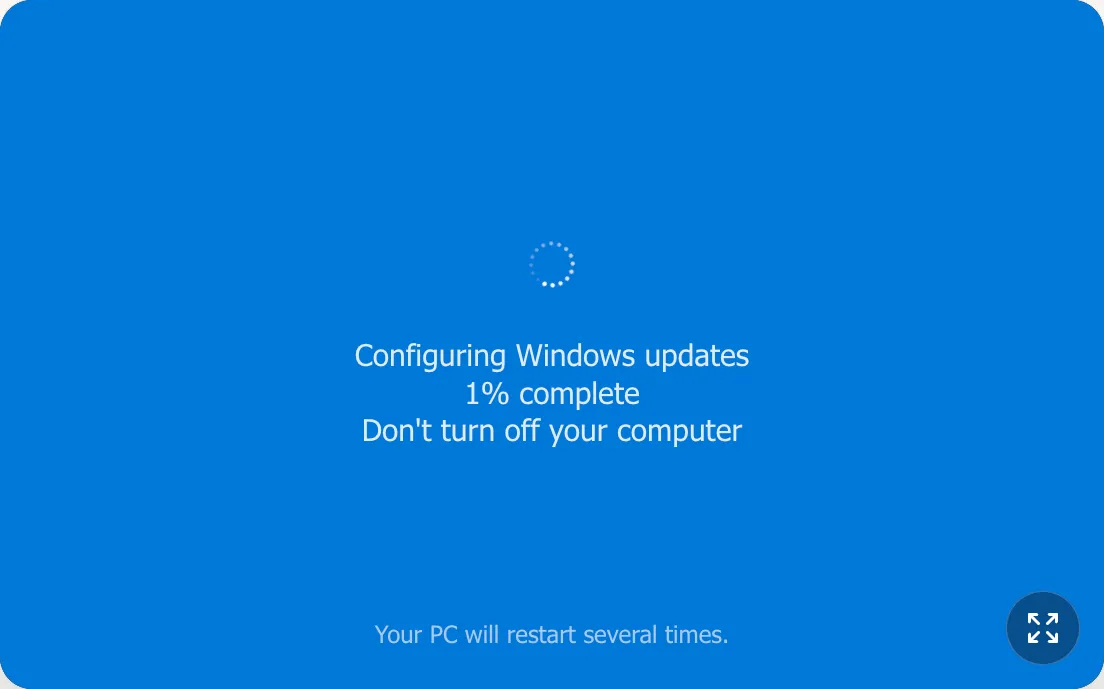
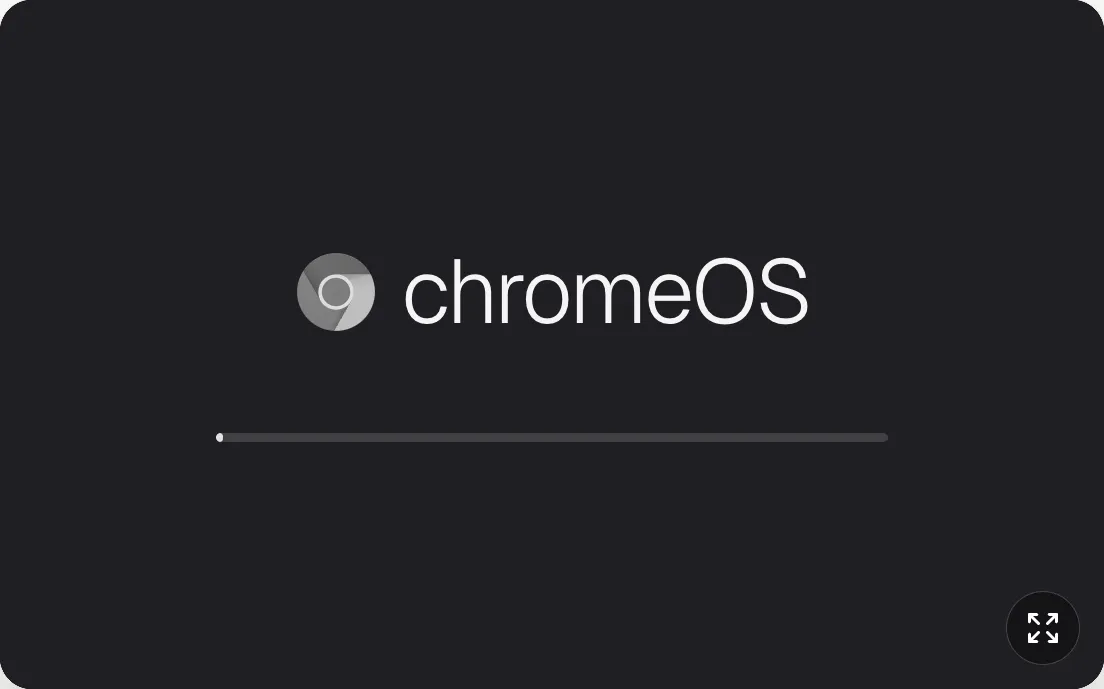
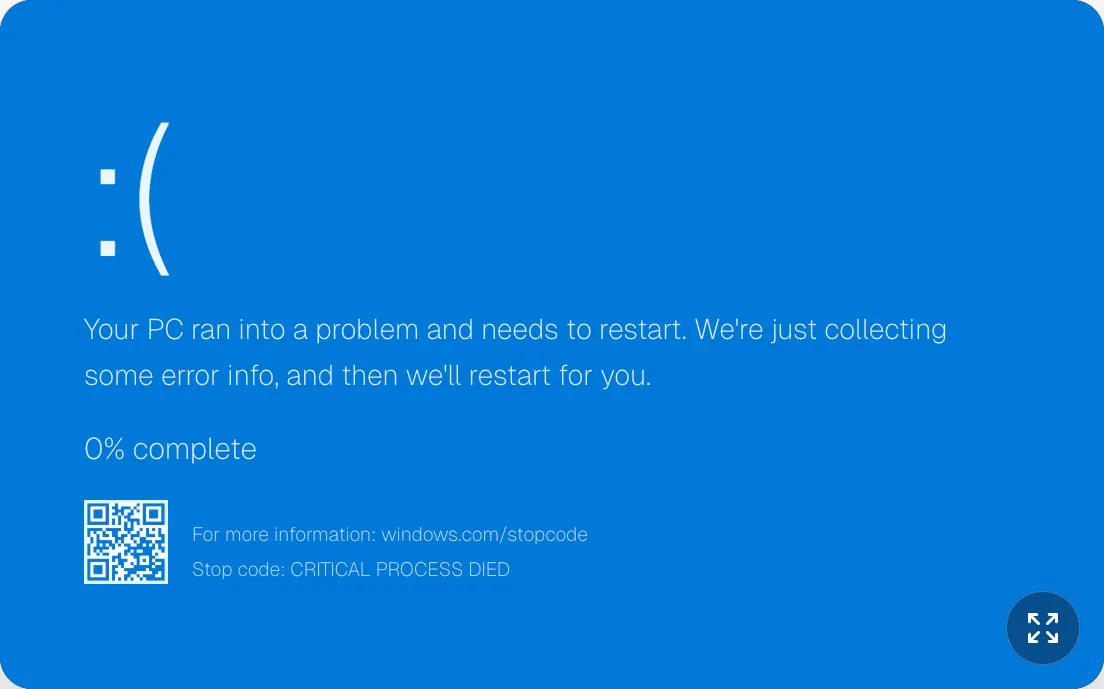
What Is This Fake macOS Update Screen?
Use this fake macOS update screen to simulate Apple-style system updates with clean typography and realistic spacing. It is designed for recent macOS versions, including Sequoia, Sonoma, Ventura, and Monterey.
How Does This Screen Work?
- Apple-style fake update layout with centered logo and boot progress bar.
- Clean black background and spacing tuned for macOS update screen realism.
- Built to fit latest macOS version themes (Sequoia/Sonoma) and recent versions (Ventura/Monterey).
How Do I Prank Better?
- A slow progress start usually feels more realistic on macOS.
- Keep your laptop plugged in to make the "update" feel more critical.
- Reveal fast to keep the joke light and fun.
How Do I Keep It Fun?
- Confirm real updates in System Settings > General > Software Update.
- Avoid entering passwords into unknown popups or overlays.
- Reveal prank screens quickly in shared workplaces.