Fake Windows 11 Update Screen
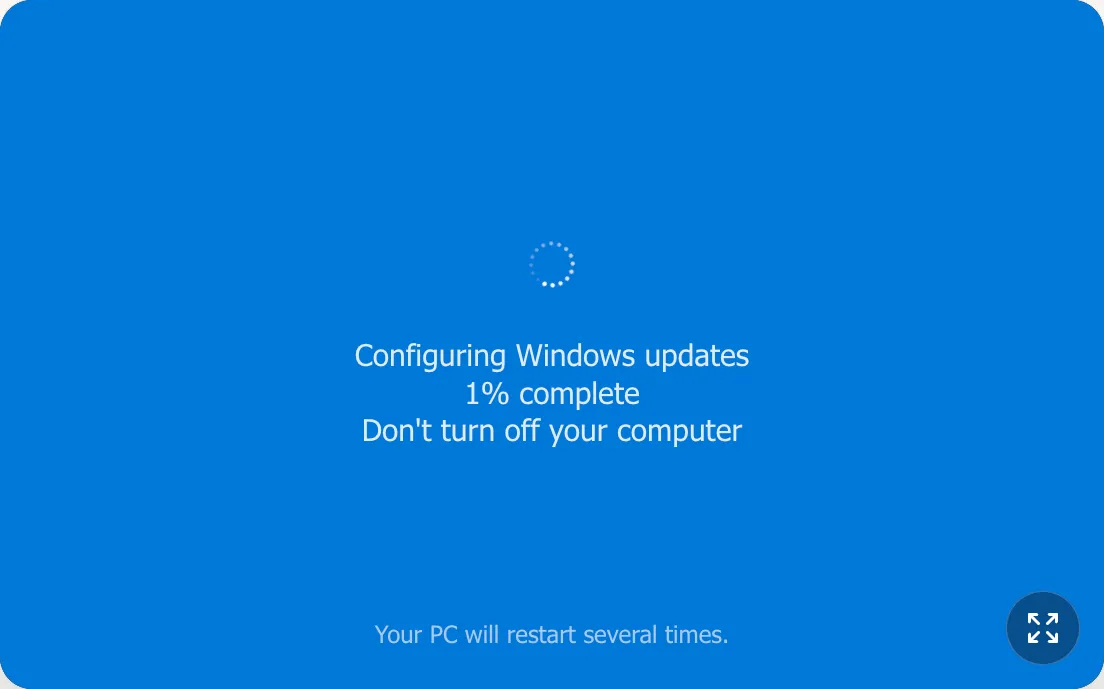
Working on updates 0%
Please keep your computer on.
Your computer may restart a few times.
You are responsible for your prank. Reveal it before anyone gets mad. 😂
Try Other Screens
What Is This Fake Windows 11 Update Screen?
Create a realistic fake Windows update screen with adjustable progress, fullscreen mode, and timing controls. This template fits Windows 10 and Windows 11 prank scenarios for videos, demos, and harmless office jokes.
How Does This Screen Work?
- Includes fake Windows 10 and Windows 11 update layouts with percentage-based progress display.
- Supports fullscreen mode, duration controls, and start percentage for realistic timing.
- Uses Segoe UI styling and Windows-like loader behavior for better visual authenticity.
How Do I Prank Better?
- Start around 35% for instant believability in office setups.
- Use fullscreen mode before anyone sees your screen for better effect.
- Reveal right after someone starts worrying about their files.
How Do I Keep It Fun?
- If Windows starts acting like a soap opera, open Update settings and expose the actor.
- If timing feels suspicious, verify before restarting repeatedly.
- Don’t let the bit overcook; reveal while everyone’s still laughing.